Efficient and accurate goods receipt processing is vital for maintaining smooth operations and vendor relationships. Across enterprises, high volumes of invoices, delivery challans and shipment documents pass through warehouse gates each day. Yet, when incoming goods are not recorded immediately in SAP, it leads to lower visibility, slow down processes, and higher risk of discrepancies in inventory and accounts payable(AP).
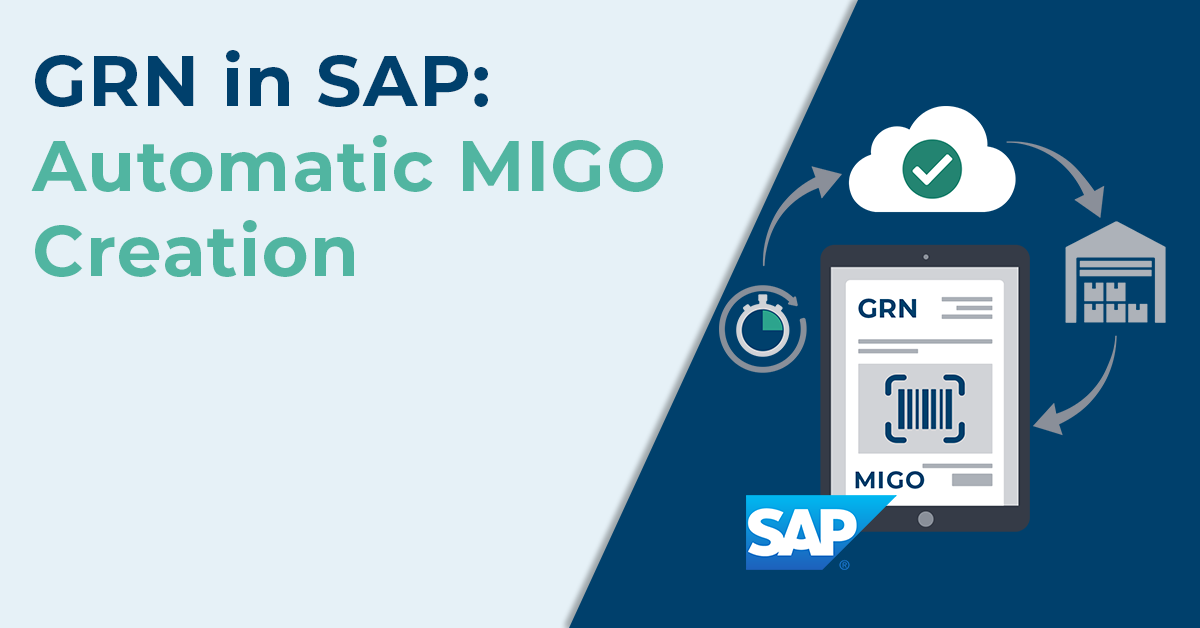
The gate entry feature is the first control point, where incoming deliveries are logged as Goods Inward Note (GIN). The delivery challan (DC) or advance shipment notification (ASN) is verified against the purchase order (PO) to ensure that the expected goods have indeed arrived. Once quality checks (QC) are successful, the Goods Receipt Note (GRN) is created and posted in SAP via MIGO, updating inventory in real-time based on the actual goods received.
You can explore this further in our detailed guide on How GRN automation can help streamline your supply chain.
What Is Real-Time GRN Processing and Why It Matters in SAP?
Real-time GRN processing creates a Goods Received Note (GRN) the moment goods arrive by capturing delivery dataand immediately posting that receipt into SAP.
The instant update gives true inventory visibility, accelerates the 3-way matching between PO–GRN–invoice, and triggers workflows so invoices can be validated and ensures supplier payments are made only for the quantities received.
For a deeper look at SAP limitations without automation, see Why SAP alone falls short for modern accounts payable automation.
MIGO Creation: The Process Flow
Many businesses still rely on manual gate entry and manual GRN processing, which leads to slow goods acceptance, data entry errors, missed line items, inventory mismatches in SAP, and, in some cases, supplier payments being processed without a GRN being created.
To understand the risks of processing invoices without a GRN in place, see Hidden Risks and Pitfalls of Invoicing Without a GRN.
Below is the concise GRN process flow.
Step 1: Gate Entry
When the vehicle/shipment arrives, details like the vehicle number, driver name, time, and the delivery challan number are entered in the unified platform (GIN creation), where plant users can enter the quantity of each line item. This immediate capture prevents manual errors.
Step 2: Preliminary Verification
Warehouse personnel matches the delivery challan (DC)/invoice with the purchase order (PO). Manual checks across paper files or multiple systems cause late mismatch detection and slow GRN creation, delaying invoicing, and approvals.
Step 3: Material inspection and quality check
Inspectors confirm item quantities, conditions, and quality. Accepted items proceed to MIGO for GRN posting, updating inventory for invoice matching.
This step is critical for accurate invoice validation, as explained in 3-way matching automated: boost efficiency in accounts payable
Step 4: MIGO Automation
After verification and inspection, the GRN is posted (MIGO) in SAP, updating stock levels and enabling downstream processes like three-way matching and supplier payments.
Best Practices for Implementing Real-Time MIGO Creation
- Standardize workflows first: Review and streamline your existing gate entry and goods receipt processes before automating to avoid carrying forward inefficiencies.
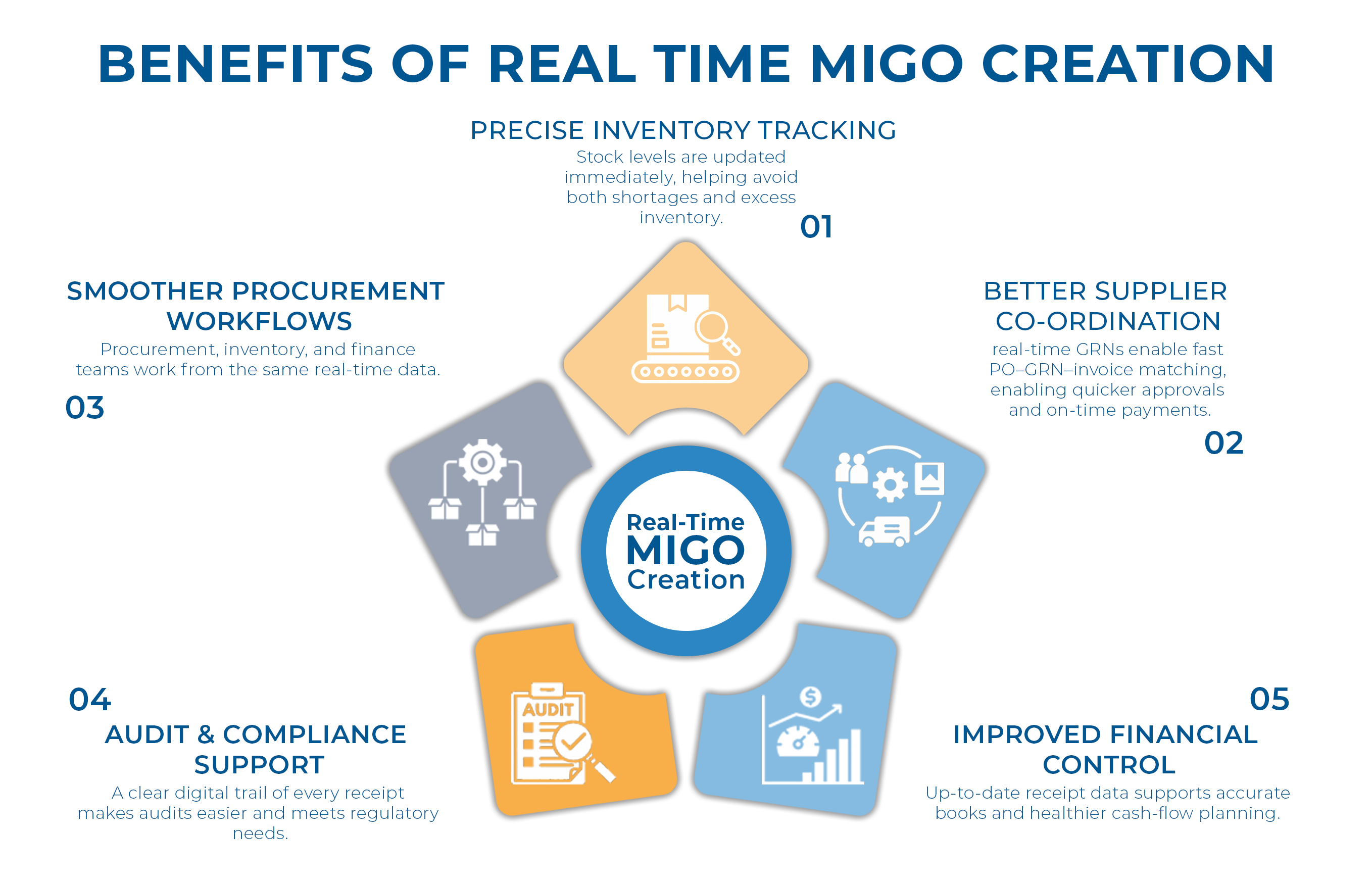
- Better supplier coordination: Real-time GRNs enable fast PO–GRN–invoice matching, enabling quicker approvals and on-time payments.
Learn more about integrating receipts and invoice flows in Why It’s Important for Modern Businesses to Integrate GRN and Invoicing.
- Stronger quality checks: Goods can be inspected for quantity and condition before they are officially received.
- Smoother procurement workflows: Procurement, inventory, and finance teams work from the same real-time data.
- Lower error rates: Automated capture reduces mismatches, missing entries, and common procurement disputes.
- Improved financial control: Up-to-date receipt data supports accurate books and healthier cash-flow planning.
- Audit and compliance support: A clear digital trail of every receipt makes audits easier and meets regulatory needs.
- Operational time savings: Automated scanning and posting cuts down on manual work and speeds up the entire receiving process.
How Compleo Invoice Platform (CIP) enables seamless automation
Compleo Invoice Platform (CIP) brings real-time GRN creation by capturing delivery data at the source and sending it directly to your ERP. Its seamless integration with SAP and non-SAP ERPs ensures smooth data flow from gate entry to GRN posting, while automated validation checks with 3-way matching compare the PO, delivery challan, and received materials to prevent discrepancies.